Contact us
Email jojoboquiren@gmail.com with any question, bug report, or suggestion. Please include your device model and iOS/macOS version — we usually reply within a few days.
Help with Generals Tactics — the strategy board game of hidden ranks, bluffing, and capturing the flag, for iPhone, iPad, and Mac.
Email jojoboquiren@gmail.com with any question, bug report, or suggestion. Please include your device model and iOS/macOS version — we usually reply within a few days.
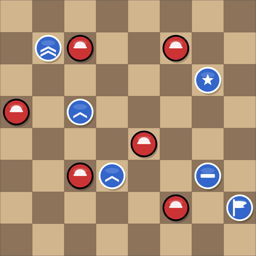
Each side commands 21 pieces whose ranks are hidden from the opponent. Pieces move one square at a time; when two pieces meet, the higher rank wins the challenge — with a twist: the Spy defeats every officer but loses to the lowly Private. Win by capturing the enemy Flag or marching your own Flag to the far side of the board.
In the app, open the menu and choose the User Guide or the in-game rules assistant for a full walkthrough, including rank rankings and special rules.
The game offers progressive difficulty levels, each backed by a different AI engine and tuning — from a relaxed opponent at Level 1 to advanced search-based engines at the top levels. If a level feels too hard or too easy, just pick another; your statistics are tracked per game so you can watch your win rate improve.
Purchases are tied to your Apple ID. On a new device (or after reinstalling), open the in-app store screen and tap Restore Purchases. Make sure you are signed in to the same Apple ID that made the original purchase.
Any one of the in-app purchases removes ads — there is no separate “remove ads” product. Buying Skins, Show Ranks, or Additional Levels turns ads off permanently, and restoring a previous purchase does the same.
Yes. Your game in progress is saved automatically. Relaunch the app and it takes you straight back to the board.
After a game ends, open the Replay panel from the sidebar to step through the whole game move by move — useful for seeing exactly where a battle was won or lost.
First, make sure you're on the latest version from the App Store. If the problem persists, force-quit and relaunch the app. Still stuck? Email us with your device model, OS version, and a short description of what happened (screenshots help a lot).
No account is needed and no personal information is collected. The app records anonymous gameplay statistics to help balance the AI, and the free iOS version shows ads. See the full Privacy Policy for details.